Walking Tracker
Free walking tracker — start a timer, pick your pace, and let pause/resume handle real-life interruptions.
- Timer-based
- Pause & Resume
- Speed selector
- 7-day stats
- Free
The web app works on iPhone, Android, desktop, and tablet — same experience everywhere. Prefer a home-screen icon and native notifications on Android? Get the Android app instead.

How it works
- 1
Start, pick a pace, walk
Tap Start when you begin. The speed selector sets your pace; steps and distance derive from elapsed time.
- 2
Pause and resume as life happens
Traffic light, phone call, errand — Pause preserves elapsed time, Resume picks up where you left off.
- 3
Correct the duration or log something else
Manual Duration fixes the final time before saving. Log Other Activity covers workouts that aren't walks.
How the Walking Tracker works
What the Walking Tracker actually does
The Walking Tracker is a timer-based session tracker. You tap Start when you begin a walk and Stop when you finish. Pace is set from a speed selector — steps and distance are derived from elapsed time and your selected speed.
By default, it does not use phone GPS or any wearable, and nothing runs in the background listening for movement. Steps and distance for a walking session are calculated from elapsed time and your selected speed, not sensed. If the app is closed mid-walk, the session continues from the recorded start time when you reopen it, because only the timestamps need to survive.
Pause, resume, and manual correction
- Pause stops the timer but preserves elapsed time so far.
- Resume picks up from where you paused — useful for traffic lights, phone calls, or a short errand.
- Manual Duration on the save screen lets you override the final elapsed time if the timer was left running by mistake, so the logged session matches reality.
For non-walking workouts, Log Other Activity records a session with duration and calorie burn without pretending it was a walk.
Goals and the weekly view
Your daily goal is a walking-minutes target — 90 minutes by default — set in your profile, in keeping with the timing approach. The 7-day stats card on the walking screen shows your last week at a glance: your average on the days you walked. There is no multi-week streak counter, which keeps one bad day from snowballing into a motivation problem.
How to use the tracker
Use the timer when you actually start — backfilling a walk from memory drops accuracy fast. Set your speed honestly; that is what determines the calorie and distance estimates. Treat Manual Duration as a correction for timer mistakes, not as a shortcut to skip the timer entirely.
App Features

Intermittent Fasting Tracker
Free intermittent fasting tracker — pick a window, run it with a live timer, and keep a rolling record of what you actually did.

Extended Fasting Tracker
Run a deliberate long fast from 24 to 168 hours, with stage content through the first 72 hours and milestone callouts.

Weight Tracking
Free weight tracker — log daily, edit any entry inline, and watch the trend over time.

Calorie Tracker
Free manual calorie tracker — log meals once, save them to My Foods, and watch your daily remaining calories update live.
90-Day Challenge
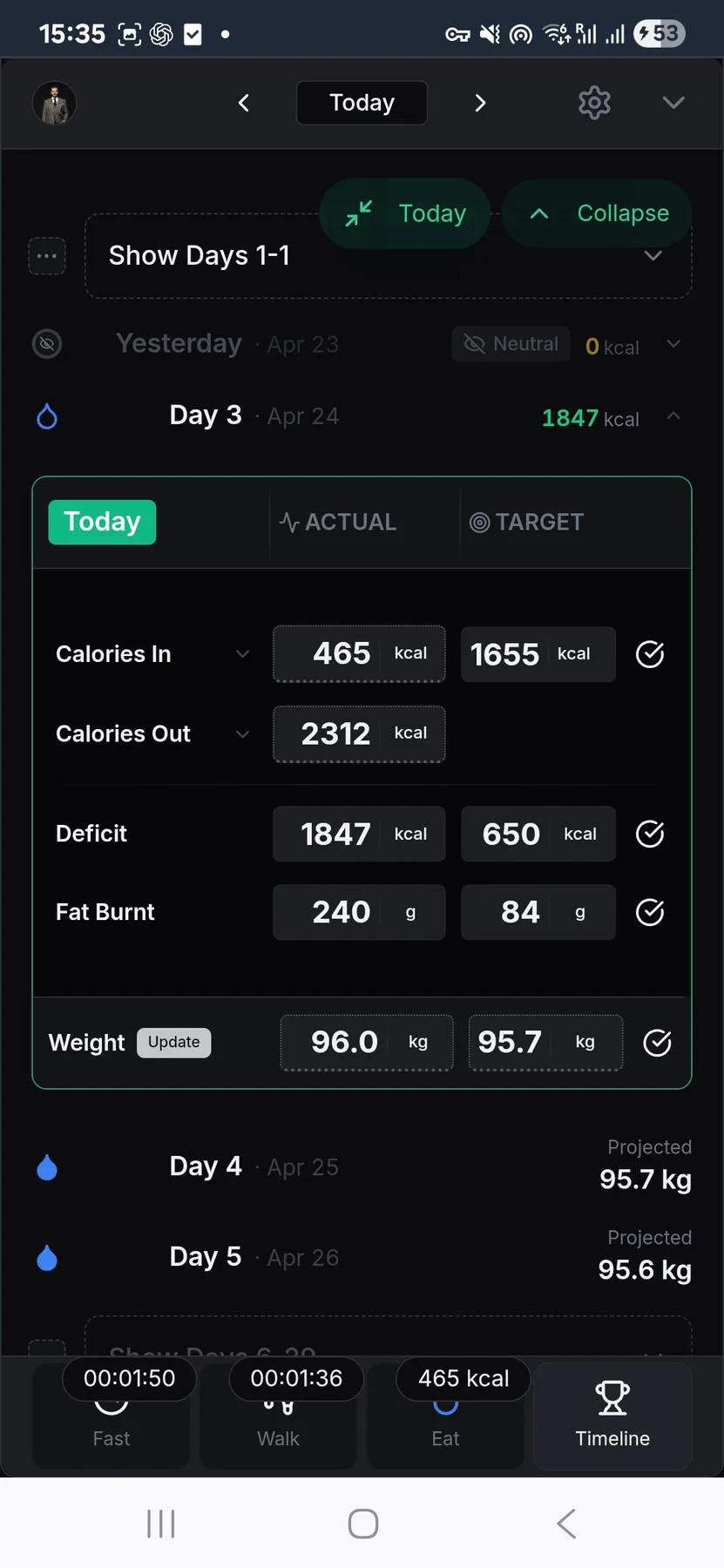
The structure layer: set a goal weight, pick 30 to 180 days, and the app aggregates every food, walking, and weight entry into one timeline.
Frequently asked questions
Does the Walking Tracker use GPS or my phone step counter?
No, by default — and that's deliberate. The tracker is timer-based: tap Start, set your pace, and it estimates distance and steps from time and speed. No GPS.
The target is meant to be approximate — about 10,000 steps or 90 minutes of walking. Whether a walk lands at 9,000 or 11,000 steps doesn't change your results, and people don't vary their pace enough to throw a time-based estimate off. Exact step-counting mostly matters when someone's selling a wearable. Timing keeps it simple and keeps the focus on the part that counts — that you walked.
What happens if I pause or close the app during a walk?
Pause stops the timer while preserving elapsed time so far. Resume picks up from that point, which is useful for traffic lights, calls, or short errands. If the app closes mid-walk, the session can continue from the recorded start time when you reopen because the timestamps are what matter.
Can I fix the duration if I left the timer running?
Yes. Before saving a session, Manual Duration lets you override the final elapsed time so the log matches reality. It is a correction tool for timer mistakes, not a replacement for using the timer. Clean timing keeps the step, distance, and calorie estimates more believable.
Can I log workouts that are not walks?
Yes. Use Log Other Activity for non-walking workouts. It records a session with duration and calorie burn without miscategorising it as a walk. That keeps the walking record focused on actual walking while still letting other activity contribute to your daily burn picture.
Where do I set walking goals and review progress?
Your walking goal is a daily target in minutes — 90 minutes is the usual goal — set in your profile. That fits the timing approach: what matters is time on your feet, not a step count. The walking screen shows live progress toward today's target, and a 7-day view summarizes your recent average on the days you actually walked.
Use this feature now
Walking Tracker
The web app works on every device, including iPhone. Android users can also install the native app from the Play Store.