Weight Tracking
Free weight tracker — log daily, edit any entry inline, and watch the trend over time.
- Daily log
- Inline edit
- Full history
- Goal syncs to journey
- Free
The web app works on iPhone, Android, desktop, and tablet — same experience everywhere. Prefer a home-screen icon and native notifications on Android? Get the Android app instead.

How it works
- 1
Log in kg or lbs, stored in kg
Your display preference follows your profile. Internal storage is kg so history stays consistent if you switch units.
- 2
Edit any entry inline
Tap any entry to edit it inline — no time limit.
- 3
Switch views or jump straight to entry
Every entry kept, newest first, with Show Empty Days for gaps. Deep link opens the add-weight modal from anywhere.
How the Weight Tracker works
What the Weight Tracker actually does
The Weight Tracker is a manual log — you type in your weight each day. Internally everything is stored in kilograms; display units (kg or lbs) follow your profile preference, so switching units never rewrites historical data. There is no scale integration, no photo tracking, no body measurements.
Any entry can be edited inline — tap the number, change it, done. There is no time limit on edits.
How history is organized
History keeps every entry, newest first — there is no cap, and everything loads at once. Each row is a date and a weight, with inline edit on any entry.
Show Empty Days toggles whether skipped days are highlighted in the list. Useful when you want missed weigh-ins to be visible data, not hidden data.
Goal weight and the journey
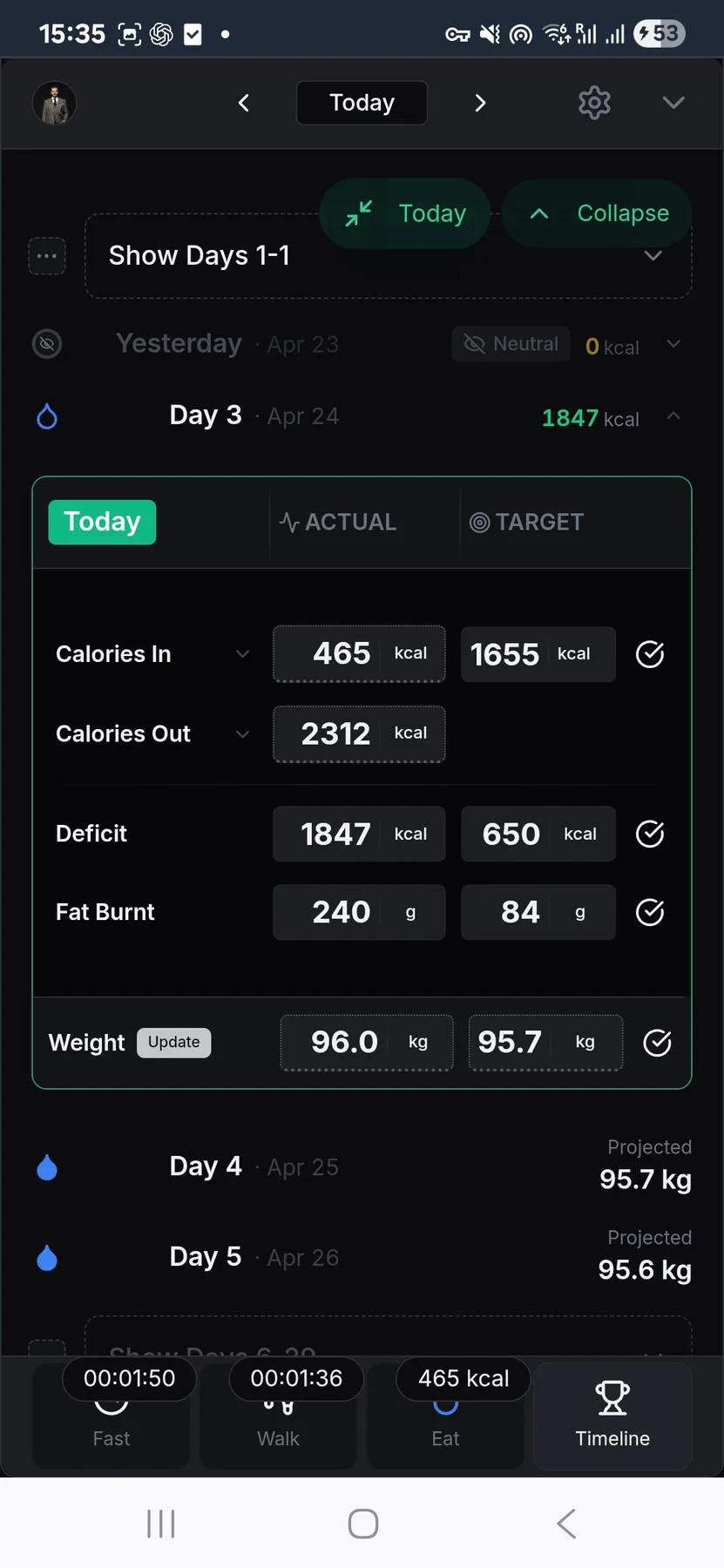
Your goal weight is editable from your goals screen. Changing it syncs back to your active 90-day journey so daily calorie and burn targets recalculate against the new target. A deep link (?action=add) opens the add-weight modal from anywhere — useful when a reminder or shortcut sends you straight to entry.
How to use the tracker
Weigh at the same time of day under the same conditions — morning, after the bathroom, before food and drink, is the cleanest baseline. Log every day you can, and use Show Empty Days to see what you missed without pretending it didn't happen. Update your goal weight if it changes — the journey and its daily targets update with it.
App Features

Intermittent Fasting Tracker
Free intermittent fasting tracker — pick a window, run it with a live timer, and keep a rolling record of what you actually did.

Extended Fasting Tracker
Run a deliberate long fast from 24 to 168 hours, with stage content through the first 72 hours and milestone callouts.


Walking Tracker
Free walking tracker — start a timer, pick your pace, and let pause/resume handle real-life interruptions.
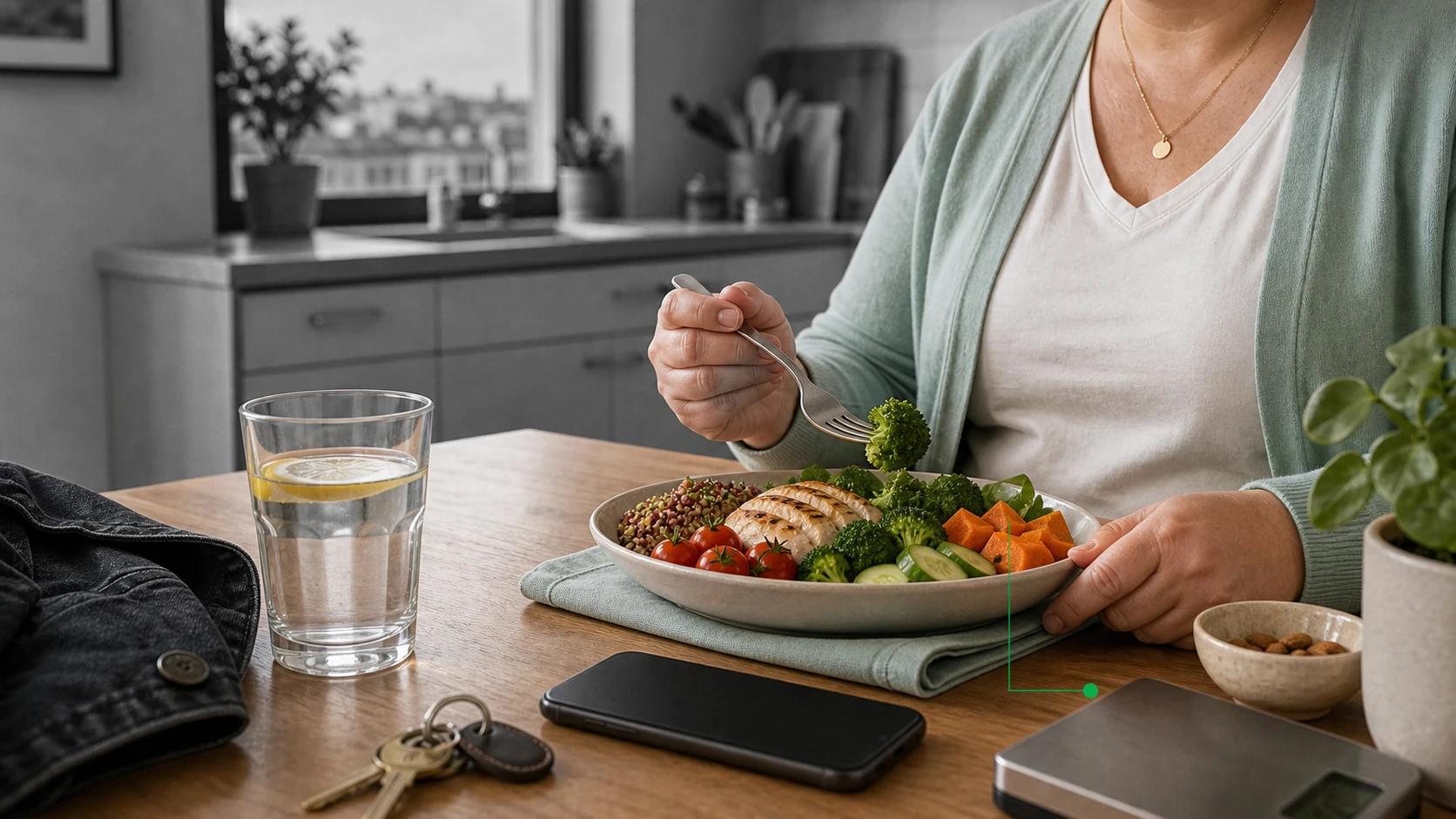

Calorie Tracker
Free manual calorie tracker — log meals once, save them to My Foods, and watch your daily remaining calories update live.
90-Day Challenge
The structure layer: set a goal weight, pick 30 to 180 days, and the app aggregates every food, walking, and weight entry into one timeline.
Frequently asked questions
Can I track weight in kilograms or pounds?
Yes. Your display unit follows your profile preference, so you can view entries in kg or lbs. Internally the app stores weight in kilograms, which means switching display units later does not rewrite your historical entries or create rounding drift across the log.
Can I edit or delete a weight entry after saving it?
Yes. Tap an entry to change the number and it saves in place — there's no time limit, so you can correct an old weigh-in whenever you notice it. Delete is soft, so an accidental removal can be recovered instead of wiping the record.
How much weight history does the tracker show?
All of it. Every weigh-in you record stays in the timeline, newest first — there's no limit and nothing gets aged out. It's just date-and-weight rows meant to show your trend over time, not a stat to scrutinize daily. If you want to backfill, a Show Empty Days toggle surfaces the days you missed so you can add them.
What happens on days I do not log a weight?
Missed days stay missed. The tracker does not back-fill or invent values for gaps in your weight history. Show Empty Days can highlight skipped weigh-ins in the list, which makes the missing data visible without turning it into a moral failure. A visible gap is better than a fake clean streak.
Where do I set my goal weight?
Goal weight is editable directly on the weight screen. If you have an active 90-Day Challenge, changing the goal syncs back to that journey and recalculates the daily calorie and burn targets. A deep link can also open the add-weight modal from reminders or shortcuts.
Use this feature now
Weight Tracking
The web app works on every device, including iPhone. Android users can also install the native app from the Play Store.